Google Business Profile: The Free Tool Filling Your Lawn Care Route
Your Google Business Profile drives more lawn care calls than your website. Here is exactly how to set it up, optimize it, and keep it feeding your route every week.
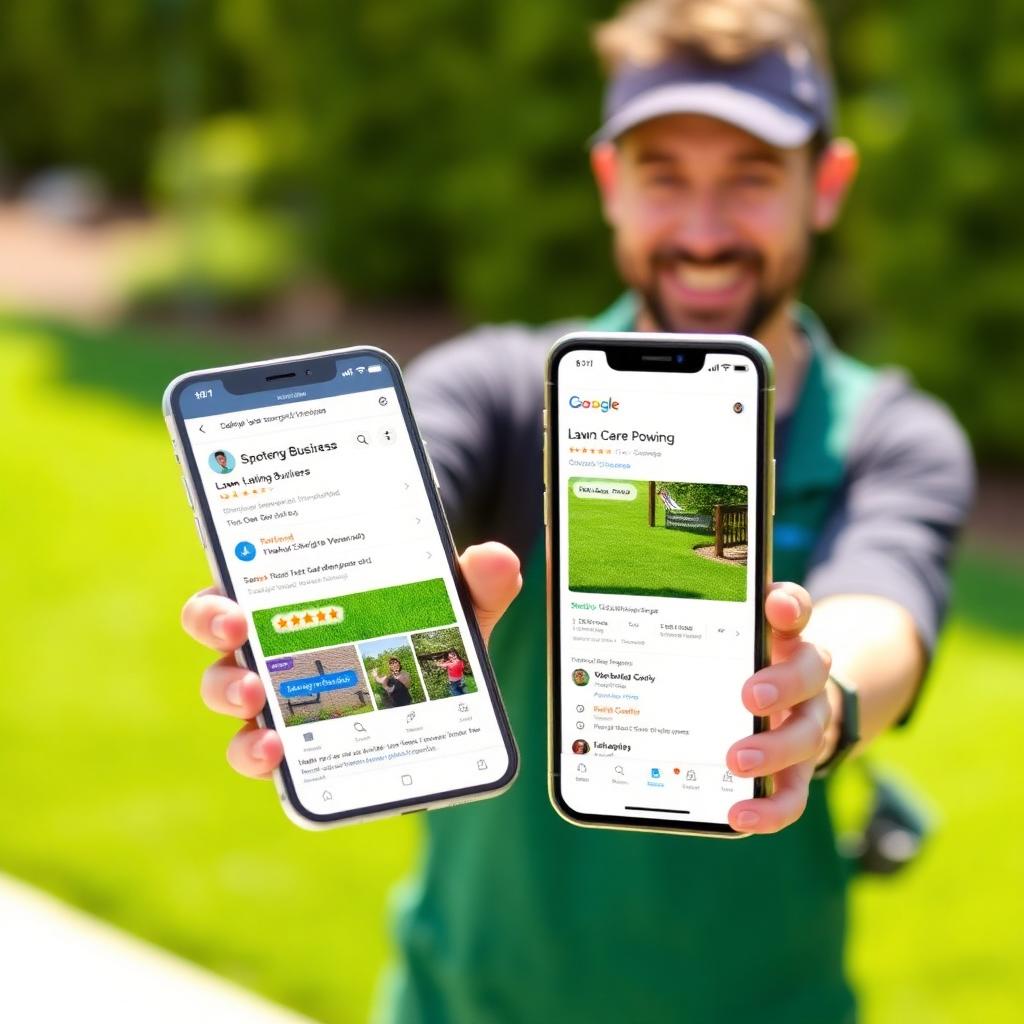
If you had to pick one free marketing asset to obsess over as a lawn care company owner, it would not be your website, your Facebook page, or your Nextdoor account. It would be your Google Business Profile. On mobile, it sits above every organic result. It shows your phone number, your reviews, your photos, and a directions button before a homeowner has scrolled once. And most of your competitors have a half filled out profile they claimed years ago and forgot about.
Why does your GBP beat the website for local intent?
When someone in your service area types lawn care near me, Google is not asking who has the prettiest homepage. It is asking who is nearby, who is complete, who is reviewed, and who is active. Your Google Business Profile answers all four of those questions. Your website reinforces them, but the profile is the front door.
Step 1: Claim it, verify it, and lock it down
Search your business name on Google. If a profile already exists, claim it. If not, create one at google.com/business. Verify it by postcard, phone, or video (video is fastest in 2026). Add two managers so you never lose access if a phone gets replaced or an employee leaves.
Step 2: Categories, the single biggest lever
Set your primary category to Lawn Care Service. This one field influences which searches you show up for more than anything else. Add secondary categories only if you truly offer those services: Landscaper, Fertilizer Supplier, Snow Removal Service, Tree Service. Do not stuff categories you do not serve, Google will notice and suppress the whole profile.
Step 3: Service area, not radius
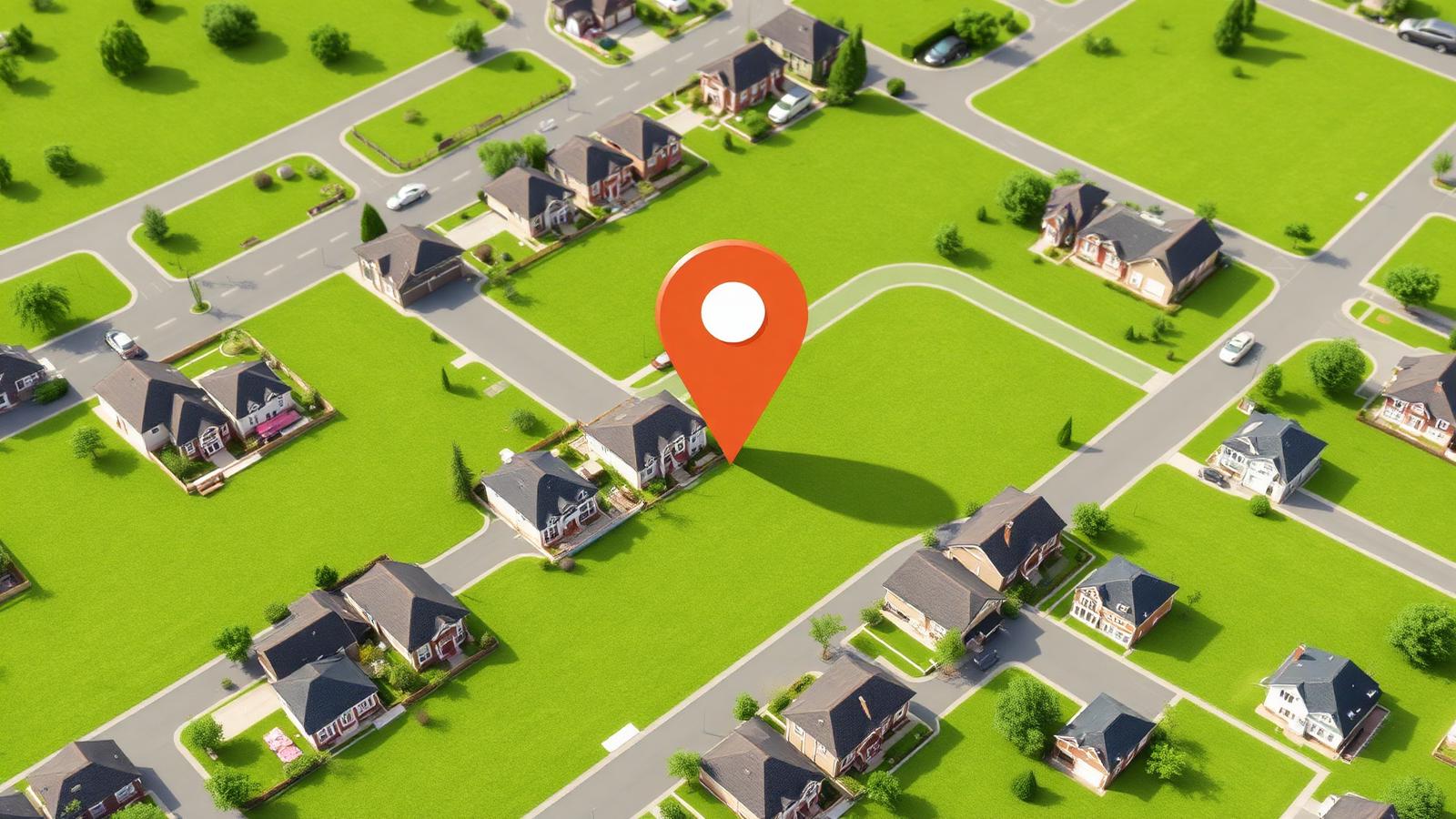
Set your service area by naming specific cities and towns, not by drawing a radius. If you serve six towns, list six towns. This is how Google decides whether to show you when a homeowner in each of those towns searches.
Step 4: Services list
Add every service you offer as an individual service item with a short description and a starting price if you are comfortable showing it. Mowing, edging, fertilization, aeration, overseeding, weed control, leaf cleanup, mulching, and so on. Each service item is another chance to match a homeowner search.
Step 5: Photos, and lots of them
Upload at least twenty five photos, then add two or three per week from real jobs. Before and after shots of a treated lawn, your crew loading the truck, a close up of a striped mowing pattern, your logo on the trailer. Profiles with weekly fresh photos consistently outrank ones with a static gallery, even when everything else is equal.
Step 6: Reviews on autopilot
Text every finished customer a short review link the same day you complete the job. Response rates drop by half if you wait until the next day. Reply to every review, positive or negative, within twenty four hours. Aim to double your review count every year. A profile with two hundred fresh reviews beats one with fifty older reviews almost every time.
Step 7: Weekly posts
Post at least once a week. A seasonal tip, a before and after, a limited time offer, a photo from that morning. Google uses posting frequency as a freshness signal. It takes ten minutes and separates you from every competitor who set the profile up in 2019 and never touched it again.
Step 8: Q and A, owner answered
Homeowners can ask questions directly on your profile. If you do not answer, another random person will, and it may be wrong. Seed the Q and A section yourself with the five questions you get most: pricing, service area, insurance, what is included, and how to book. Answer each one clearly.
Step 9: Messaging and calls
Turn on messaging and commit to replying within thirty minutes during business hours. Google tracks response time and rewards fast responders with more visibility. Track the call button in Google Business Profile Insights so you know exactly how many calls the profile drives each month.
Step 10: Keep it in sync with your website
Your website and your profile need to say the same thing. Same phone number, same address (or same service area), same business name, same hours. Any drift between them dilutes ranking authority and confuses Google. When we build a lawn care website, this alignment is one of the first things we set up.
What is the end result of an optimized GBP?
A fully optimized Google Business Profile, updated weekly, feeding a real website underneath it, is the closest thing to a free lead generation machine in this industry. Most of your competitors will never do the work. That is your opening.
Want a website that puts these ideas to work?
We design and launch premium websites for lawn care companies in about two weeks, for one flat monthly fee. Hosting, SEO and edits included.
Book a free call →